




Why You're Still Paying Edison After Going Solar (Fix Battery Issues)

Still paying Edison $400-600/month after installing solar? You're not alone. Thousands of Southern California homeowners face double billing due to battery misconfiguration under NEM 3.0.
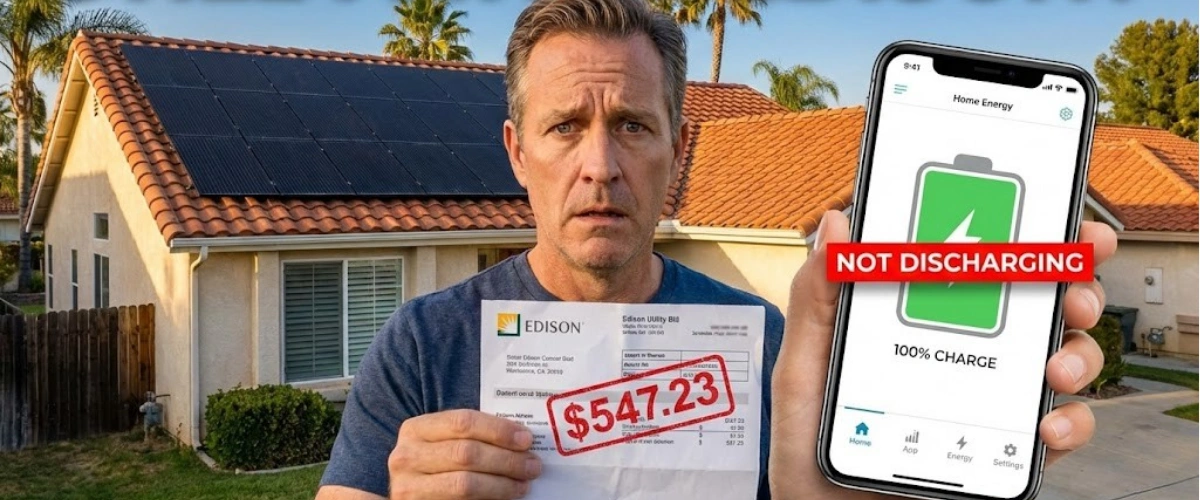
You installed solar panels. You signed the contract. The installers came, mounted panels on your roof, connected a Tesla Powerwall, and promised you'd stop paying Edison those $400-600 monthly bills.
Two years later, you're still getting Edison bills. And you're still making solar payments. That's not a few hundred dollars—that's $20,000 to $30,000 in double payments you shouldn't be making.
This is happening to thousands of Southern California homeowners right now, and it's often caused by one critical mistake: your battery isn't storing energy—it's selling it back to the grid for pennies.
Why Your Solar System Is Costing You Money Instead of Saving It
Here's what's supposed to happen: Your solar panels generate electricity during the day. Your battery stores that excess energy. When the sun goes down and Edison's rates spike to 40-50¢ per kWh during peak hours (4-9 PM), your home pulls power from your battery—not from the grid.
Instead, here's what's actually happening for many homeowners:
Your panels generate power during the day. But instead of storing it in your battery, 100% of that energy gets exported to Edison for 4-8¢ per kWh under NEM 3.0. Then at night, when you actually need power, your battery sits empty while Edison charges you 40-50¢ per kWh to buy back your own electricity.
You're essentially giving Edison free electricity and then paying premium rates to buy it back. Learn more about why electricity bills are so high in Southern California—and why proper battery configuration is the only way to stop the bleeding.
The NEM 3.0 Export Rate Trap
Before April 2023, California operated under NEM 2.0, where you received roughly retail rates for exported solar energy—basically a one-to-one exchange. If you exported 100 kWh at 30¢, you got $30 in credits.
NEM 3.0 changed everything. Now, export rates dropped by 75%. You might get 4-8¢ per kWh for midday exports, while Edison still charges you 40-50¢ to buy it back during peak hours.
Without a properly configured battery, you're trapped in this cycle: selling low, buying high, and bleeding money every single month.
The Battery Configuration Problem Nobody Talks About
Your battery has settings. Simple as that. And if those settings aren't configured correctly for NEM 3.0, you're losing hundreds of dollars every single month.
Here's what a properly configured battery should do:
Morning (6 AM - 12 PM): Solar panels generate power. Battery charges to 100%. Excess power after battery is full can export to grid at low rates (you don't need it yet anyway).
Afternoon (12 PM - 4 PM): Solar continues generating. Battery remains at 100%. Home uses solar power directly. Minimal grid usage.
Peak Hours (4 PM - 9 PM): This is when Edison's rates spike. Your battery should discharge to power your home during these expensive hours. Zero grid usage if your system is sized correctly.
Night (9 PM - 6 AM): Off-peak rates are lower. If your battery depleted during peak hours, you can pull from the grid at cheaper rates, or let it wait until morning solar production resumes.
What's Actually Happening with Misconfigured Systems
Many installers either don't configure the battery at all, configure it incorrectly, or use default settings that were designed for NEM 2.0—not NEM 3.0.
Common misconfiguration #1: Battery set to "backup only" mode. It never discharges unless there's a power outage. Meanwhile, you're buying grid power at 45¢/kWh every evening while your fully charged battery just sits there.
Common misconfiguration #2: Battery exports everything. Your solar generates power, battery gets maybe 20% charge, and the rest immediately exports to Edison for 5¢/kWh. Then at 6 PM, you're buying it back at 45¢/kWh.
Common misconfiguration #3: No optimization for Time-of-Use (TOU) rates. The system doesn't know when Edison's rates are highest, so it doesn't prioritize battery discharge during peak hours.
One homeowner in the San Gabriel foothills discovered this exact problem after two years of double payments. Solar generated plenty of power—but the Powerwall exported everything to Edison instead of storing it. That's 24 months of $400-600 Edison bills PLUS solar loan payments. Do the math: $20,000 to $30,000 lost.
Understanding how solar batteries can maximize your savings is critical—but only if the settings are correct.
Why Your Solar Company Might Not Have Fixed This
Post-installation support is where many solar companies fail. They install the system, get their money, and disappear. When you call about high Edison bills, you get:
- "The utility needs to flip a switch" (vague and often wrong)
- "It takes time to see savings" (misleading—you should see immediate reduction)
- "Check your battery app settings yourself" (passing responsibility to you)
- Radio silence
Here's the truth: Configuring battery settings for NEM 3.0 is the installer's responsibility. You shouldn't have to figure out discharge schedules, TOU optimization, or export limits on your own.
How to Fix a Misconfigured Solar Battery System
If you're already stuck in the double-billing nightmare, here's what you need to do:
Step 1: Verify Your System Is Actually Generating Power
Log into your monitoring app (Tesla app for Powerwall, Enphase app, SolarEdge, etc.) and check:
- Solar production: Are your panels generating the expected kWh based on your system size? A 10kW system in Southern California should produce 40-50 kWh on sunny days.
- Battery charge level: Is your battery charging during the day?
- Energy flow: Where is your solar power going? Home consumption, battery charging, or grid export?
If you see high solar production but zero battery charging, or everything exporting to the grid—that's your problem.
Step 2: Check Battery Mode Settings
Most battery systems have different operating modes:
Self-consumption mode (recommended for NEM 3.0): Battery stores solar energy and discharges during peak hours to minimize grid usage.
Backup-only mode (wrong for NEM 3.0): Battery stays fully charged and only discharges during power outages. You pay full grid rates every month.
Export mode: Battery charges from solar AND grid, then exports during high-rate periods. This can work under NEM 3.0 but requires precise configuration.
Your battery should be in self-consumption mode with TOU optimization enabled. For a complete guide to battery storage settings and optimization, check out everything you need to know about solar and battery storage for California homeowners.
Step 3: Set Time-of-Use Schedules
Your battery needs to know when Edison's rates are highest. For most SCE customers on TOU-D-4-9PM or TOU-D-PRIME plans:
- Peak hours: 4-9 PM (most expensive—battery should discharge here)
- Partial-peak hours: Variable times depending on season
- Off-peak hours: Late night/early morning (cheapest rates)
Configure your battery to prioritize discharge during the 4-9 PM window when Edison charges 40-50¢ per kWh. This alone can save $100-200 per month.
Step 4: Contact Your Original Installer
You paid for a complete solar + battery system. Configuration is part of the installation. Call your installer and demand:
- System performance review: They should verify production data, battery settings, and utility bills
- Proper NEM 3.0 configuration: Settings should optimize for self-consumption, not export
- Documentation: Written confirmation of what was changed and what to expect going forward
If they're unresponsive or dismissive, document everything. You may have grounds for a contract dispute or complaint with the CSLB (Contractors State License Board).
Step 5: Consider a Second Opinion
If your original installer won't help, US Power offers system evaluations even for existing installations. We'll review your setup, identify configuration issues, and recommend fixes—whether that's adjusting settings, upgrading equipment, or replacing components that were undersized from the start.
Why NEM 3.0 Makes Battery Storage Essential (Not Optional)
Under NEM 2.0, you could technically install solar panels without a battery and still see significant savings. Export credits were close to retail rates, so selling excess power wasn't terrible.
NEM 3.0 killed that model. Here's why batteries went from "nice to have" to "absolutely essential":
Export rates dropped 75%: What used to be 25-30¢ per kWh is now 4-8¢ per kWh for most of the day. You're giving away your electricity for pennies.
Peak rates increased: Edison's 4-9 PM peak rates are now 40-50¢ per kWh. Without a battery, you're forced to buy power at these rates every single evening.
Payback periods improved with batteries: Solar-only systems now have 12-15 year payback periods under NEM 3.0. Solar + battery systems? 6-8 years. Batteries actually accelerate your payback now.
A solar-only system might reduce your Edison bill by 40-50% under NEM 3.0. A properly configured solar + battery system can reduce it by 70-90%. That's $150-250 per month in additional savings—just by having a battery that actually works.
For a complete financial breakdown, read about whether batteries are worth it for solar in California, including real homeowner data showing the dramatic difference batteries make under current policies.
The Hidden Cost of Selling Back to the Grid
Let's run the numbers on a typical Southern California home with solar panels but a misconfigured battery:
Daily solar production: 40 kWh
Daily home consumption: 35 kWh
Excess solar exported to Edison: 30 kWh (because battery isn't storing)
Evening grid usage (4-9 PM): 15 kWh
What you earn: 30 kWh × $0.05 = $1.50 per day
What you pay Edison (peak hours): 15 kWh × $0.45 = $6.75 per day
Net daily loss: $5.25
Monthly loss: $157.50
Annual loss: $1,890
Now multiply that by two years (like the Reddit homeowner): $3,780 lost just to battery misconfiguration. And that's not counting the fact that they were ALSO still paying their full Edison bill on top of this.
A properly configured battery would store those 30 kWh during the day and discharge 15 kWh during peak hours, eliminating that $6.75 daily grid charge entirely. You'd still export 15 kWh at low rates ($0.75/day) but you'd avoid $6.75 in peak charges. Net daily savings: $6.00. That's $2,190 per year back in your pocket.
Common Installation Mistakes That Cost You Thousands
Battery misconfiguration is just one of many installation problems that can sabotage your solar savings. Here are others to watch for:
Undersized Battery Storage
A 13.5 kWh Tesla Powerwall sounds impressive, but is it enough for your home? If you're using 35-40 kWh per day and your peak evening usage (4-9 PM) is 15-20 kWh, a single Powerwall might not cut it.
You'll run out of stored power halfway through peak hours, forcing you to buy expensive grid power for the second half of the evening. The solution? Size your battery to cover your actual peak usage, not just meet minimum requirements.
Wrong System Size for Your Usage
Many door-to-door companies design systems based on what they want to sell, not what you actually need. They might install a 7kW system when your home needs 10-12kW to truly offset your Edison bills.
Result? You're still pulling significant grid power every month, especially during peak hours, because your system simply can't generate enough electricity.
Roof Damage from Improper Installation
This is more common than it should be. Installers who rush the job or lack proper training can damage your roof structure, leading to leaks. The Reddit homeowner mentioned their parents' house started leaking exactly where panels were installed.
Quality installers use proper flashing, sealants, and mounting techniques that protect your roof for decades. Cheap installations? You'll be calling a roofer within 2-3 years—and that's on your dime if the warranty doesn't cover workmanship.
No Post-Installation Verification
Professional installations include system commissioning—verifying that everything works as designed before the installer leaves. This includes:
- Confirming solar production matches design estimates
- Testing battery charge/discharge cycles
- Verifying monitoring app shows correct data
- Ensuring utility communication is established
- Optimizing settings for NEM 3.0
Many problem installations skip this entirely. The crew installs equipment, takes photos for their records, and leaves. Nobody ever verifies the system actually works correctly. Learn about solar installation problems and how to prevent them before signing a contract.
Missing Permits or Failed Inspections
Solar installations require city permits and utility approval (Permission to Operate). Some companies cut corners by:
- Skipping permits entirely (illegal and voids warranties)
- Failing inspections and delaying corrections
- Not completing utility interconnection paperwork
You can't legally use your system until you have PTO from Edison. If your installer ghosts you during this process, you're stuck paying for a solar system you can't even turn on.
What to Look for in a Solar Company That Won't Leave You Hanging
If you're still researching solar companies—or considering switching from a bad installer—here's what separates professionals from predatory operations:
CSLB Licensing: California requires solar contractors to hold proper licenses (C-46 for solar, C-10 for electrical). Don't just take their word for it—verify licenses at cslb.ca.gov.
Real Google Reviews: Not testimonials on their website. Actual Google reviews from verified customers. Look for 100+ reviews with detailed feedback, not just five-star ratings with no explanation.
Factory-Direct Relationships: Companies like US Power that partner directly with manufacturers (QCells) can offer significantly lower pricing than third-party dealers who add markup at every level.
Post-Installation Support: Ask what happens after installation. Do they help with utility paperwork? Do they monitor system performance? What's their response time if something goes wrong?
Transparent Pricing: No "we'll tell you after we visit your house" games. Professional companies can provide accurate estimates based on your utility bills and home details—before any home visit.
Before choosing an installer, read about the 5 red flags when choosing a solar company in California to avoid problems down the road.
Your Next Steps: Stop the Financial Bleeding
If you're currently paying both Edison AND your solar company, here's your action plan:
Immediate (this week):
- Check your monitoring app—verify battery is charging and discharging correctly
- Review last 3 months of Edison bills—calculate actual grid usage during peak hours
- Contact your installer—demand system performance review and NEM 3.0 optimization
Short-term (this month):
- Get a second opinion if installer is unresponsive
- Document all communication with your installer (emails, calls, texts)
- File CSLB complaint if installer refuses to fix configuration issues
Long-term (next 3 months):
- Monitor bill improvements after configuration fixes
- Consider battery expansion if single unit is undersized
- Switch installers if current company proves unreliable
The good news? Most battery configuration issues can be fixed remotely through app settings or a quick site visit. You don't necessarily need new equipment—you just need someone who knows what they're doing.
For Southern California homeowners researching solar companies that actually finish the job correctly, this guide on how to choose a solar company in Los Angeles will help you vet installers in the LA area.
Take Control of Your Solar Investment Today
You invested in solar to save money, gain energy independence, and stop feeding Edison's profit margins. You shouldn't be paying both Edison AND your solar company two years after installation.
Battery misconfiguration is costing Southern California homeowners tens of thousands of dollars—but it's fixable. Whether you need your existing system optimized or you're starting fresh with a company that does it right the first time, the solution is available.
US Power's CSLB-licensed consultants specialize in NEM 3.0 optimization. We're the exclusive QCells partner in Southern California with factory-direct pricing, 25-year comprehensive warranties, and a 3-6 week installation timeline. No door-to-door sales tactics. No disappearing after installation. Just honest consultation and professional service.
180+ five-star Google reviews. Real Southern California homeowners who are actually saving money—not still paying Edison after going solar.
Frequently Asked Questions
Why is my battery not storing solar energy?
Can I fix battery settings myself, or do I need the installer?
How long does it take to see savings after fixing battery configuration?
What if my installer won't help with battery configuration?
Is my battery too small for my home's energy needs?


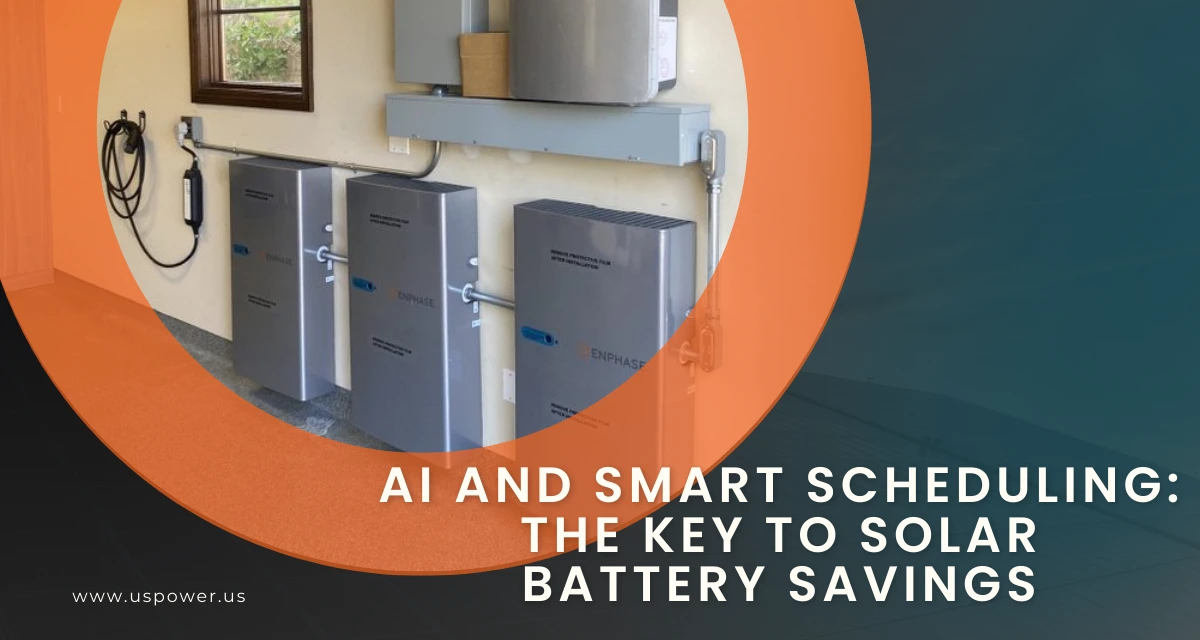
AI and Smart Scheduling: The Key to Solar Battery Savings
Peak-hour battery discharge scheduling unlocks $1,000–$3,000 in extra solar savings.
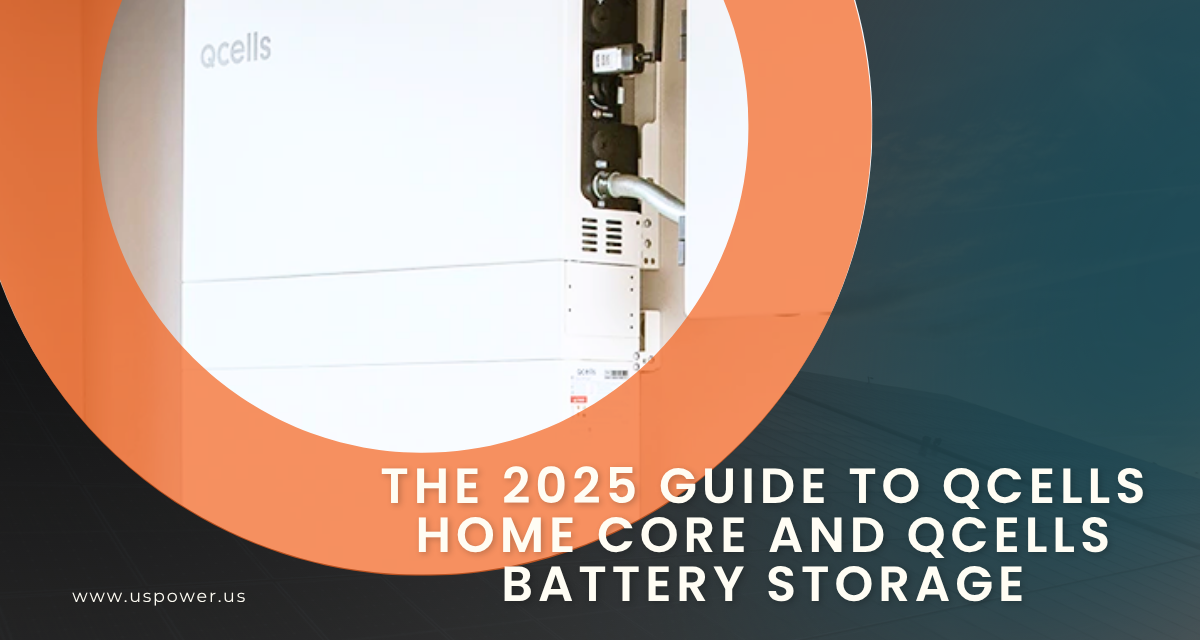
The 2025 Guide to Qcells Home Core and Qcells Battery Storage
Power your home smarter with Qcells Home Core solar + battery storage with US Power!
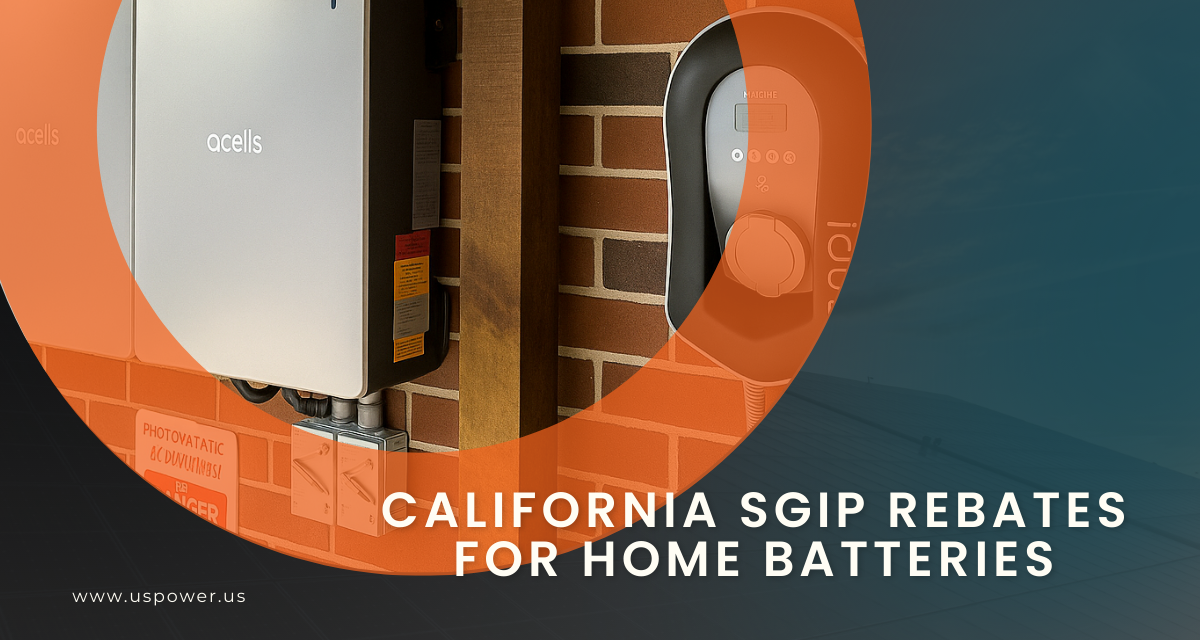
California SGIP Rebates for Home Batteries
Up to $1,100 per kWh in rebates for eligible SoCal homeowners installing batteries.








Copyright © 2025 US Power - Axia by QCells. All Rights Reserved.

Get an instant solar estimate using satellite!